
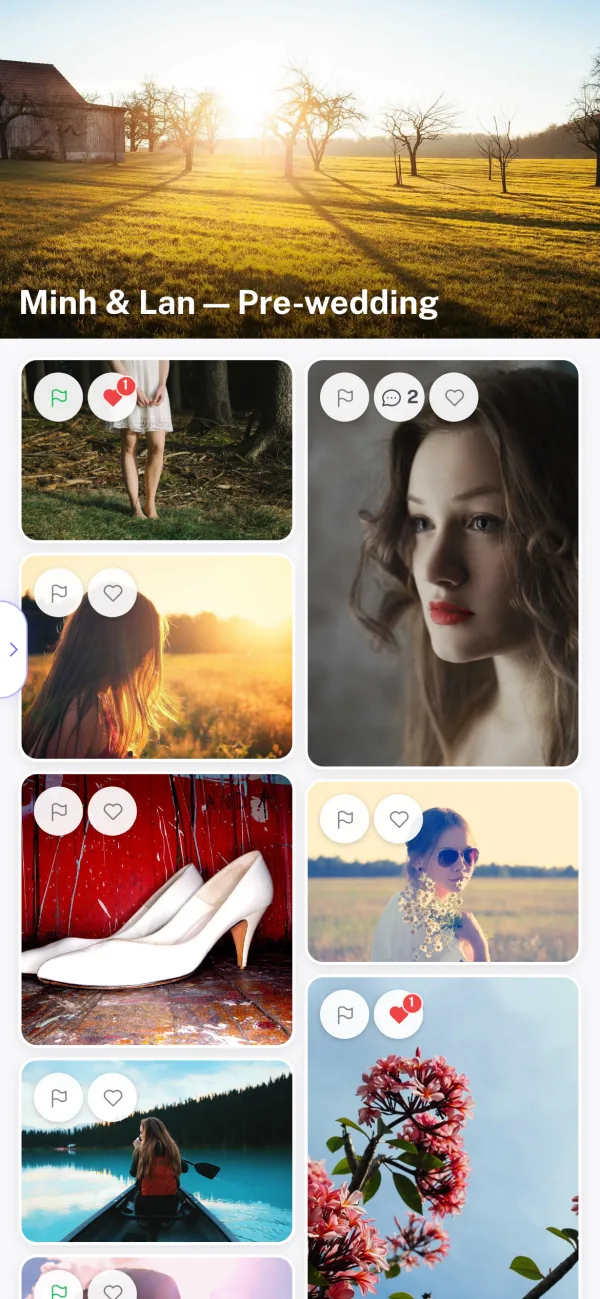
Collect picks and feedback from clients
Clients flag photos as Yes, Maybe or No, heart their favorites, comment and mark areas to retouch. The couple and their families review on one shared link, and every choice reaches you immediately.
Try it freeFor wedding photographers & studios
Clients can heart, flag, comment and mark areas to retouch directly on each photo. Their feedback reaches you as it happens, and the final edits are delivered through the same link.
Works in any browser, on desktop and mobile.
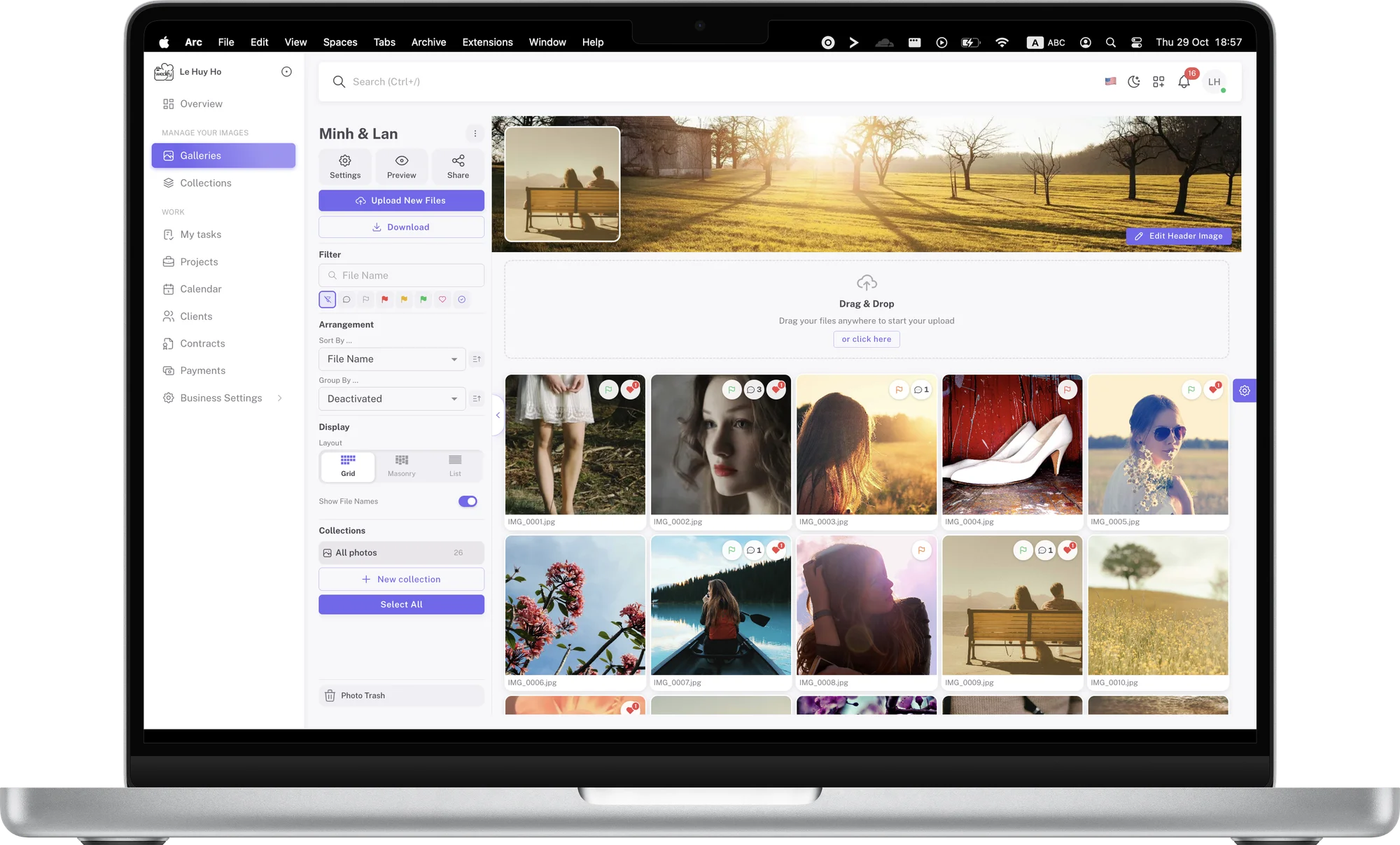
Clients flag photos as Yes, Maybe or No, heart their favorites, comment and mark areas to retouch. The couple and their families review on one shared link, and every choice reaches you immediately.
Try it freeOnce the selection is complete, switch the album to presentation mode: large photos, a clean layout, your cover image and album title. Clients enjoy the full set and download the images you allow.
Export selection creates a list of file names formatted for Lightroom Classic, Capture One, Photo Mesh, Finder or File Explorer. Paste it to filter your catalog and spend more time editing.
Your clients don't need an account or an app. They simply open the link.
Already have an account? Log in

for the whole family to view and choose
for clients to install
kept for every photo
Selection
Yes, Maybe or No: clients simply choose a color, and you know exactly what they want without follow-up questions.
Scribbles
Clients circle, frame or draw to show exactly what needs retouching, with no lengthy descriptions.
Security
Protect albums with a password, set an access period, and sign out every guest in one step when needed.
Hearts
A familiar gesture from social media that clients understand without instructions.
Comments
Every note stays with its photo, and each photo has its own link. No mixed-up file numbers or lost messages.
Notifications
Comments and selections appear instantly, and notifications take you straight to the photo in question.
Get notified when a client comments and jump straight to the photo in question.
Replace a photo with a new edit and earlier versions are kept, ready to restore.
Organize an album into sets such as Ceremony, Reception and Portraits.
Protect an album with a password, set an expiry date, or make it private at any time.
Name the link after the album. When you change it, the previous link stops working.
Let clients upload reference images when you need to align on ideas.
See every detail up close and download originals when you allow it.
Clients view their photos on desktop, tablet or phone with a single link.
Tiếng Việt, English, 日本語, 한국어, 中文.
Clients mark areas to retouch with a rainbow stroke and add a note.
Every replaced photo keeps its previous version, restorable in one step.
New comments appear instantly for everyone viewing the album, without reloading.
Create an account, upload your photos and share the link with your client in minutes.