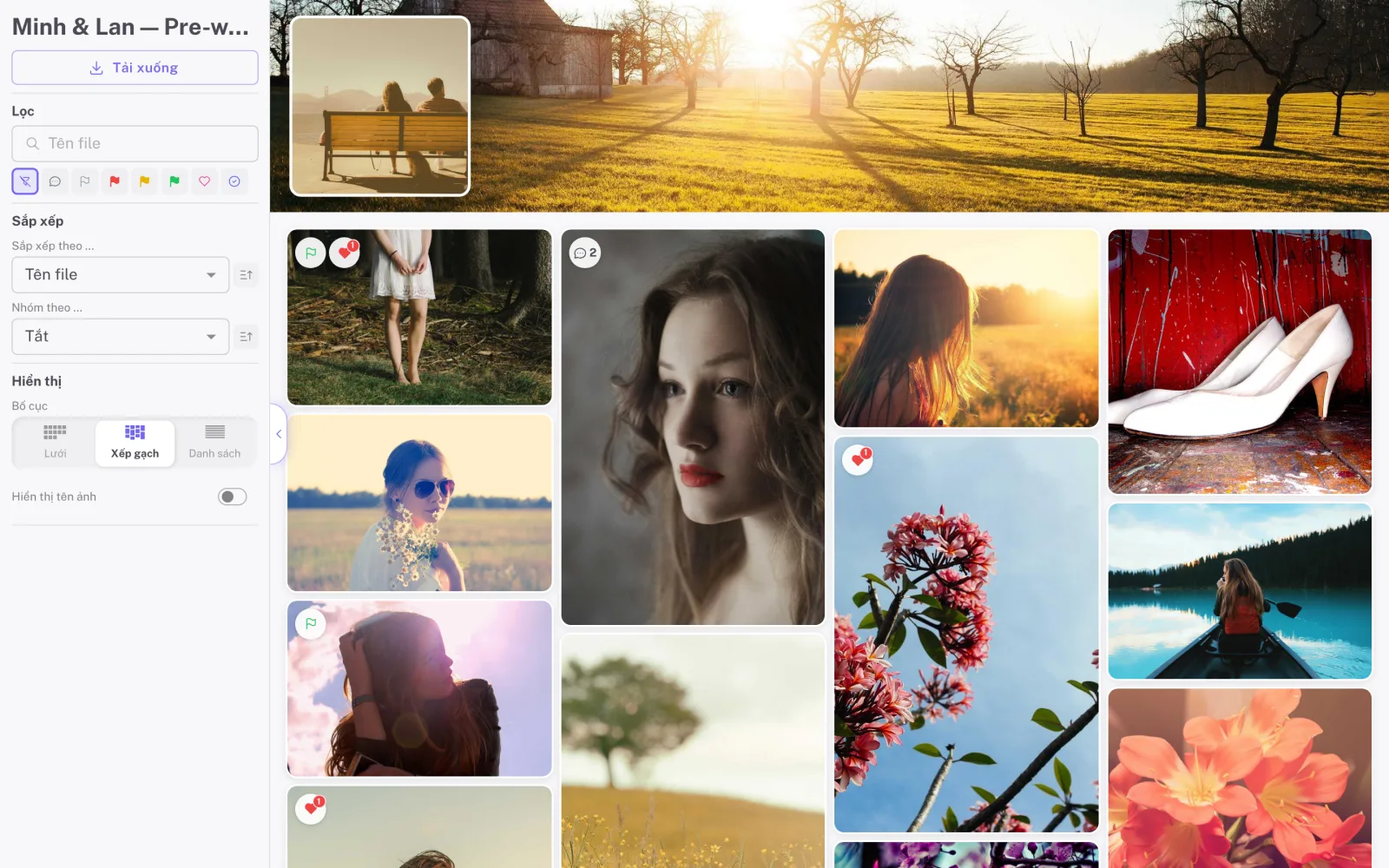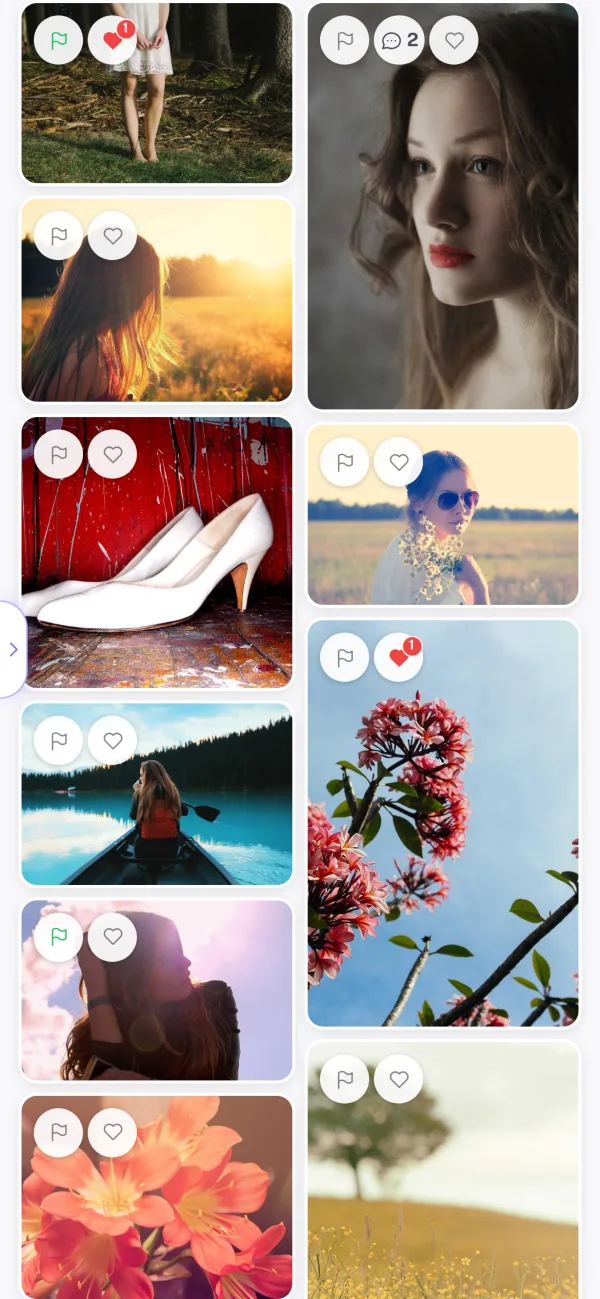
Real time
Picks and comments appear instantly for everyone viewing the album, with no reload. You get a notification that takes you straight to the photo.
Wedify helps wedding photographers and studios send albums to clients through a secure link, collect picks and feedback right on the photos, and deliver the final edits in the same place.
Start free trial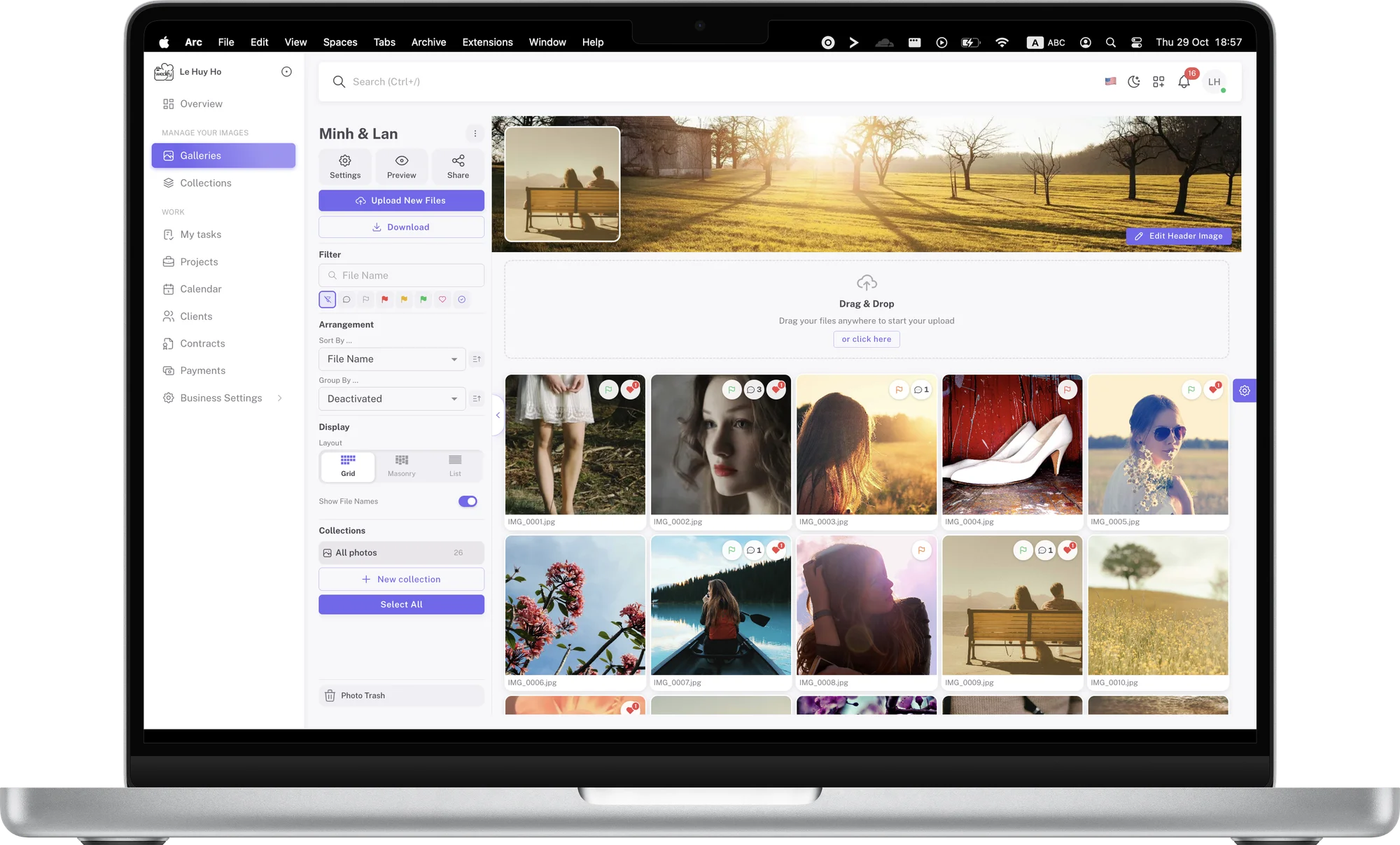
More than a place to store photos. Your clients and team can interact with every image.
Picks and comments appear instantly for everyone viewing the album, with no reload. You get a notification that takes you straight to the photo.
Large files are split into parts and uploaded in parallel, so a shaky connection never means starting over. Previews are created automatically for fast browsing.
Clients only need a browser on their phone or computer. No account to create and no app to install: they open the link and start viewing.
Swipe between photos, pinch to zoom and draw notes with one finger. The interface is designed for small screens first.
Replace a photo with a new edit and keep up to 10 earlier versions. If the client changes their mind, restore the old one in a single step.
Turn color flags, comments, drawings and client uploads on or off per album. Set a password and an expiry date in seconds.
Once clients have picked their photos and you have finished editing, the album can switch to presentation mode for delivery. Photos are shown large in a clean layout, and the feedback tools step aside so the set takes center stage.
The couple and their families receive a polished album that carries your studio’s style, not a folder of files. It is also the final impression clients take with them when they recommend you to others.
Clients far away, parents in another city or friends abroad can all open the same album and pick photos at the same time. Every pick and comment appears instantly for everyone viewing, with no reload.
On the studio side, in-app notifications take you to the exact photo that just got feedback. You can follow progress without asking clients for updates by message.
Most clients open the album on their phone the moment they receive the link. Wedify’s shared page is designed for small screens first: photos load quickly thanks to optimized previews, and clients swipe and pinch to zoom just as they do in their own photo library.
Flags, hearts and drawings are all comfortable to use with one hand, so clients can pick photos whenever they have a moment, even on the go.
In collaboration mode, clients flag photos Yes, Maybe or No, heart their favorites, comment and draw directly on the photo to show what to retouch. Every response is tied to the right photo, so you never have to match messages with file numbers.
Clients don’t need an account to use these tools. Once they are done, export the picks to Lightroom or Capture One and start editing right away.
from$2.99/month
Wedify is built specifically for wedding photographers, so everything follows the workflow you already use: send the album, collect picks and deliver. There is no need to piece together several separate tools.
Wedify runs on Amazon Web Services, so albums are ready whenever clients open the link, even at the height of wedding season. Photos are stored safely and delivered quickly.
Choose grid, masonry or list layouts, a cover image and a header image for each album. Every album you send reflects your studio’s care and style.
Clients view, pick and comment right on the photos, without long message threads or counting file numbers. A pleasant experience leaves clients happy and ready to recommend you.
Beyond albums, Wedify helps you manage projects, clients, appointments, contracts and payments. Everything about a wedding lives in one place.
Passwords, expiry dates, private albums and signing out all guests keep you in control of who sees the photos. Wedding photos are private memories, and you have the tools to protect them.
Online photo sharing means sending photos over the internet instead of on a USB drive, a hard disk or through messaging apps. With Wedify, you send a whole wedding album to clients as a single link. Clients view, pick and comment in their browser, while the photos keep their quality and are presented neatly.
Create an album, upload the photos from the shoot and, if you like, split them into collections such as Ceremony or Reception. Then copy the share link and send it to your client by email or message. Before sending, you can set a password, an expiry date and choose which tools the client can use.
No. Clients just open the link on their phone or computer and enter the password if the album has one. They don’t need to create an account or install an app, so anyone can view and pick photos, including grandparents and older relatives.
Protect the album with a password, set an expiry date so the link closes automatically, and make the album private when you no longer need to share it. If you sent it to the wrong person, change the link or sign out every guest viewing the album. These tools keep your clients’ wedding photos protected.
Yes. Once your client has picked, upload the edited photos to the same album and switch it to presentation mode for delivery. Clients keep using the same link, so there is no confusion between several links.
Any questions? We’re happy to help at support@wedify.art.