
How Wedify works

Online photo albums for wedding photographers and studios

Drag your shoot into an album and you’re done. Clients only see it once you send them the link.

Start free trial
01

Upload in a few steps

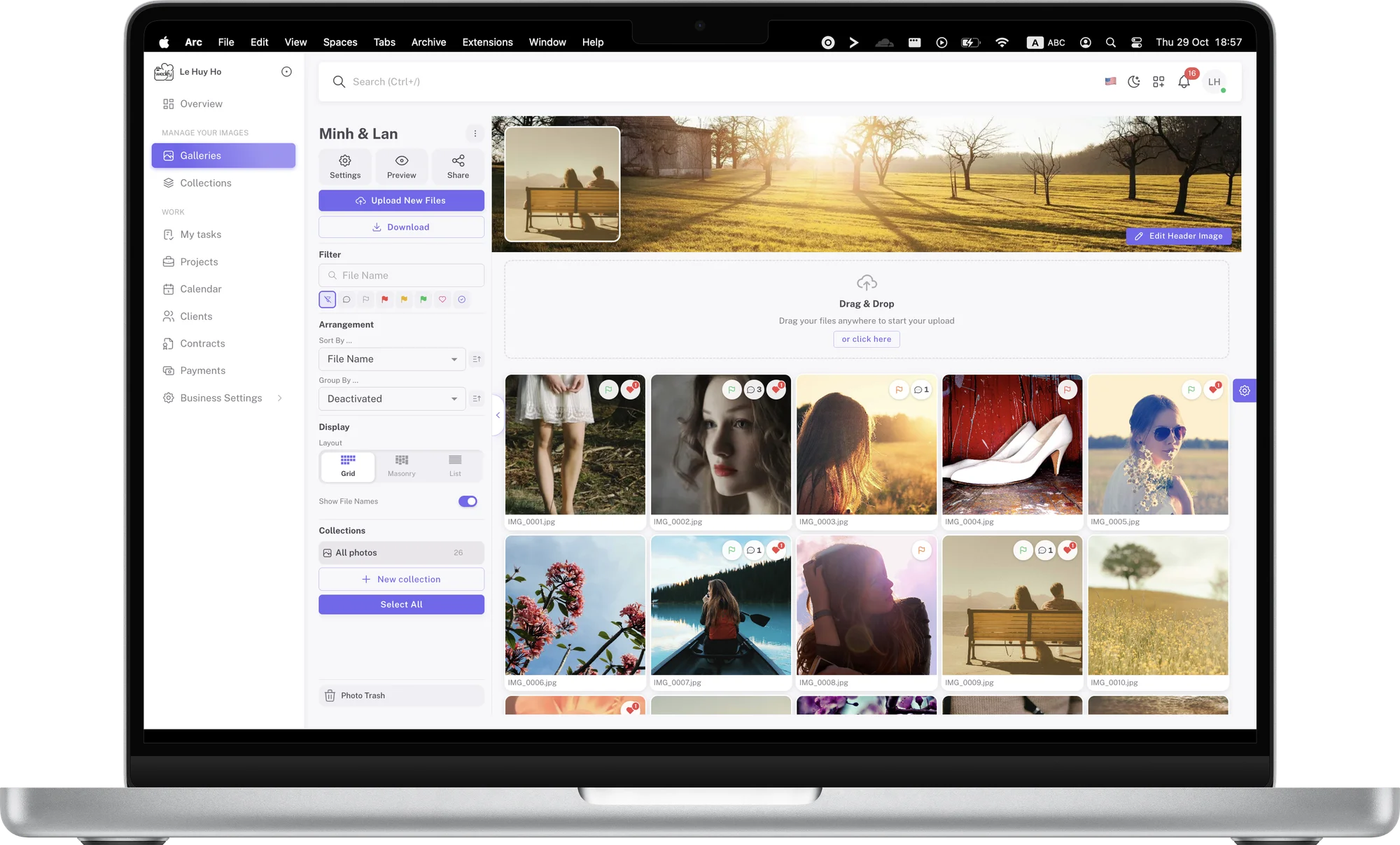
Drag the whole folder from a shoot into an album. Wedify splits large files into parts and uploads them in parallel, so high-resolution photos go up steadily; if the connection drops, only the failed part is sent again.

Right after upload, previews in several sizes are created automatically. Clients browse quickly on phones and see sharp images on large screens, and you don’t need to export web versions or compress photos first.
02

Send your clients the link

Clients only see the album once you send the link. Copy it and share it by email, messenger or whichever channel your clients use.

For albums that need more privacy, add a password and an expiry date. If a link went to the wrong person, you can sign out every guest viewing the album in one step.

03

Simple for clients

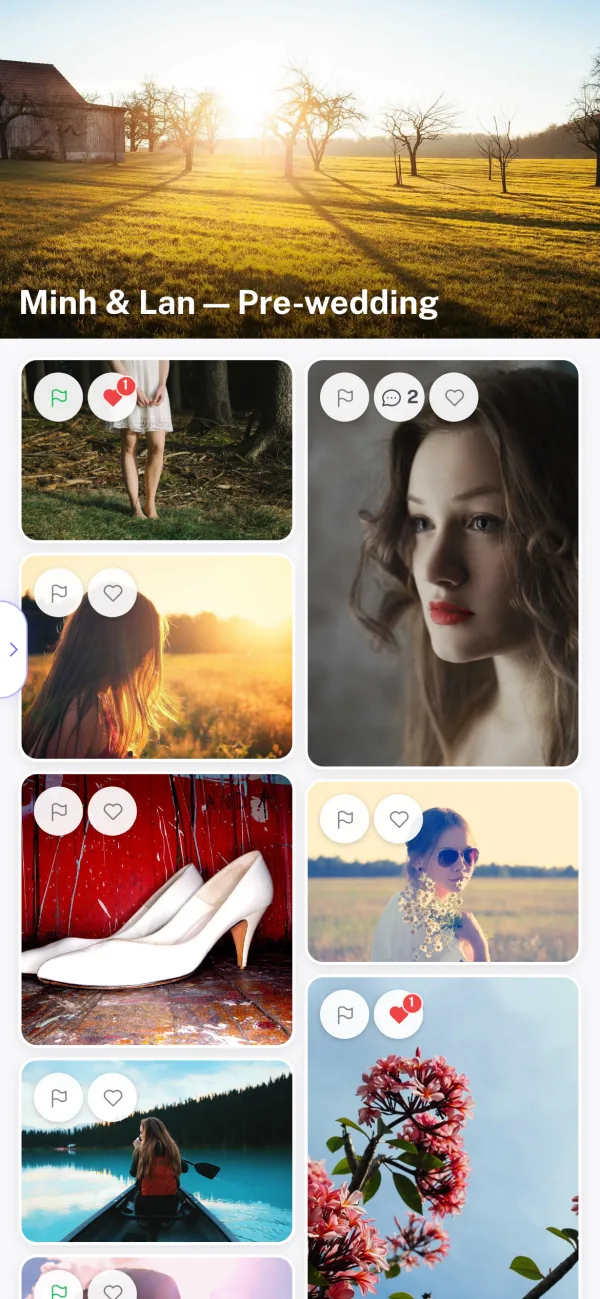
Wedify is designed around your clients. They don’t install an app, create an account or learn anything new: they open the link and start viewing and picking.

A clear layout, readable text and familiar buttons mean everyone in the family, grandparents included, can look through the album together.

04

Presentation mode: deliver the album

When editing is done, turn on presentation mode to deliver the set. Photos are shown large in a clean layout, and the feedback tools step aside so the photos take center stage.

Choose a cover image and a header image so each album carries your studio’s style. Clients receive a polished album rather than a folder of files.

05

Collaboration mode: pick photos together

No more clients typing file numbers into chat. In collaboration mode, clients pick with color flags, heart their favorites and comment right on the photos.

You decide which tools clients can use in each album. A proofing album can have everything turned on, while an album for relatives is view-only.

06

Easy color flags

Yes, Maybe, No: clients just click a color on each photo, with no instructions needed.

Filter or group the album by flag to see how many photos are approved and how many are undecided, and talk to the client early if the count goes beyond the package.

07

Hearts for favorites

The whole family can heart the photos they love, just as they do on social media.

Filter the hearted photos in one step. They are a great guide for choosing the cover, large prints or gift photos.

08

Scribbles on photos

Clients circle, frame or draw freehand right on the photo to show exactly what to change, with a short note.

You see exactly what the client wants without guessing from long descriptions. You get it right the first time, and revision rounds drop noticeably.

09

Save time on every shoot

Once clients have finished, Export selection creates a list of file names for Lightroom Classic, Capture One, Photo Mesh, Finder or File Explorer.

Paste the list into your software and every pick is filtered in seconds. On every shoot you save the time spent hunting for files and avoid editing the wrong ones.

10

Instant notifications

Whenever a client comments or draws a note, you get a notification in Wedify.

Clicking it opens the exact photo and note, without searching through the album or scrolling back through messages.

11

Real time, from anywhere

New comments appear instantly on every screen with the album open, without reloading, even when clients are far away or abroad.

When you and your clients look at the album together, the conversation feels as natural as sitting side by side.

Every album its own way

Turn features on or off, pick the default mode, and set a password and expiry date per album. Every client gets the experience that fits the job.

Your album archive

Every shoot stays in Wedify, organized by album and collection. Client lost the photos? Just send the link again.

Replace retouched photos

Upload an edit over the old photo and up to 10 earlier versions are kept. If the client changes their mind, restore the old one in one step.

Start free today

Your first 14 days with every feature, no credit card required.

Start free trial
Message Wedify on Messenger