
The Wedify Academy
Practical guides for wedding photographers and studios: sharing photos with clients, proofing, pricing your packages and marketing.
The best way to share photos with clients: options compared and what to look for
USB drives, messaging apps, cloud drives and online galleries compared, plus the criteria for delivering wedding photos to clients neatly, beautifully and securely.
Wedding photo proofing workflow, from the shoot to delivery
Six steps to fast, clear proofing with clients: agree in the contract, cull, set a deadline, collect feedback on the photos, edit and deliver.
Wedding photography pricing guide: how to calculate, pricing models and mistakes to avoid
How to work out your cost of doing business, the real time per wedding and your minimum price; pricing models compared and the pitfalls of underpricing.
Wedding photography marketing: 15 strategies for a steady booking calendar
Define your ideal client, then 15 marketing strategies for wedding photographers: branding, website, Google Maps, social media, reviews, referrals, vendor partners and measurement.
Social media for wedding photographers: which platforms to use and how to use them well
Instagram, Facebook, TikTok, YouTube, Pinterest and messaging apps compared for wedding photographers: pros and cons, how to choose, posting best practices and asking clients for consent.
The questionnaire to send couples before the wedding
What wedding photographers should ask before the day: the basics, the timeline, family, the couple’s style and any special notes.
Wedding photography contracts: the clauses you can’t leave out
What a wedding photography contract should cover: scope of work, number of photos, delivery time, payments, cancellation or rescheduling, image usage and storage.
How to build a wedding photography portfolio that wins clients
Choosing images, telling the full story of a wedding, presenting your portfolio on a website and in online galleries, and keeping it up to date.
7 ways to keep a wedding album with thousands of photos organized
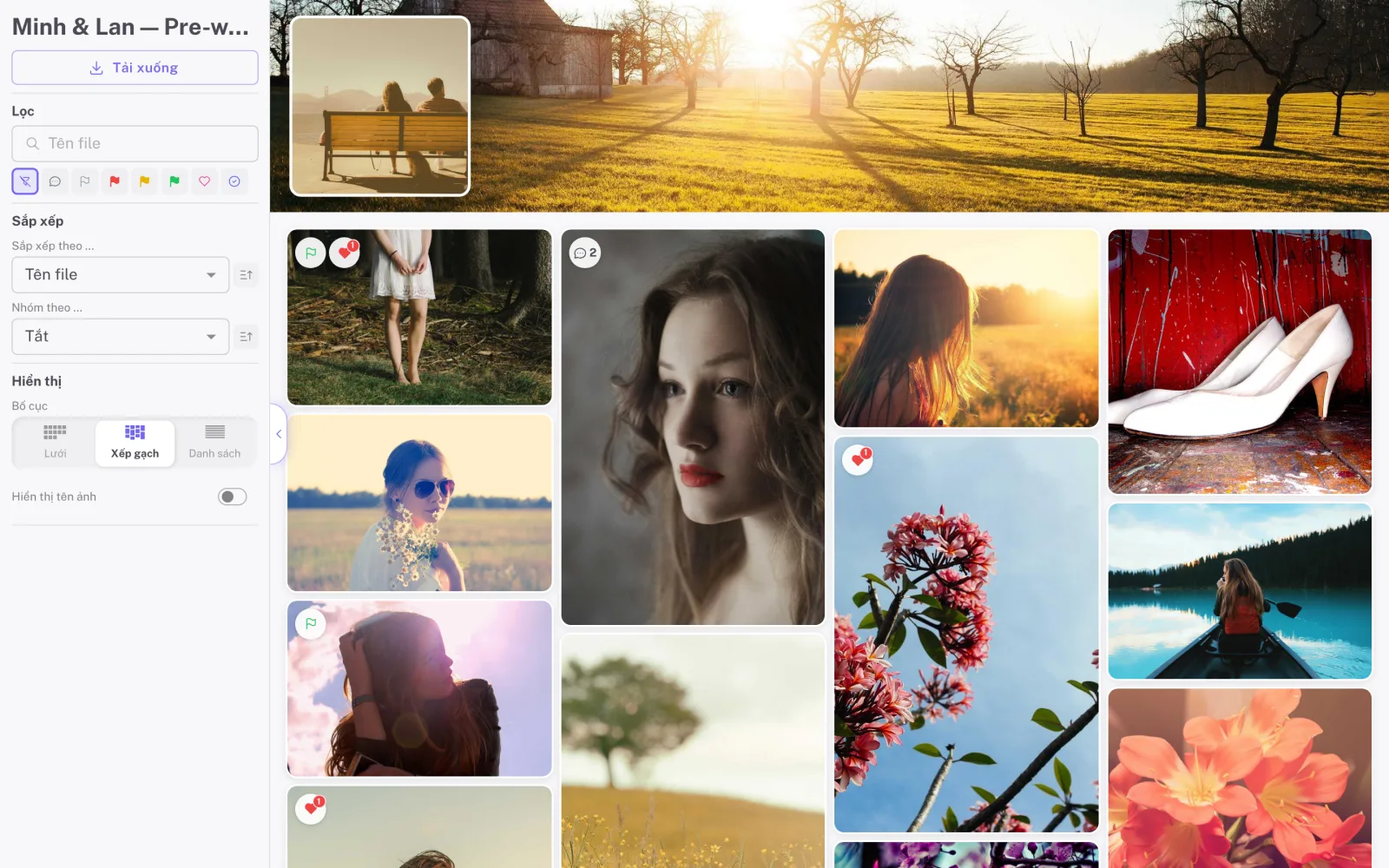
Cull before sharing, split into collections, use consistent file names, sort by capture time, and use filters and overview sheets to manage large wedding albums.
Backing up wedding photos: the 3-2-1 rule for photographers
How to protect wedding photos from the shutter to after delivery: dual card slots, the 3-2-1 rule, a backup routine after the wedding and how long to keep files.
Planning a wedding-day timeline for great photos: a guide for photographers
How to plan the wedding-day timeline with the couple for better photos: getting ready, light, family photos, portraits, buffer time and travel.
Wedding photography with emotion: less, but more moving
Why you shouldn’t photograph everything, how to read and anticipate moments, help couples relax in front of the camera, and pick photos that tell an emotional story.
Your first steps with Wedify: from creating an album to delivery
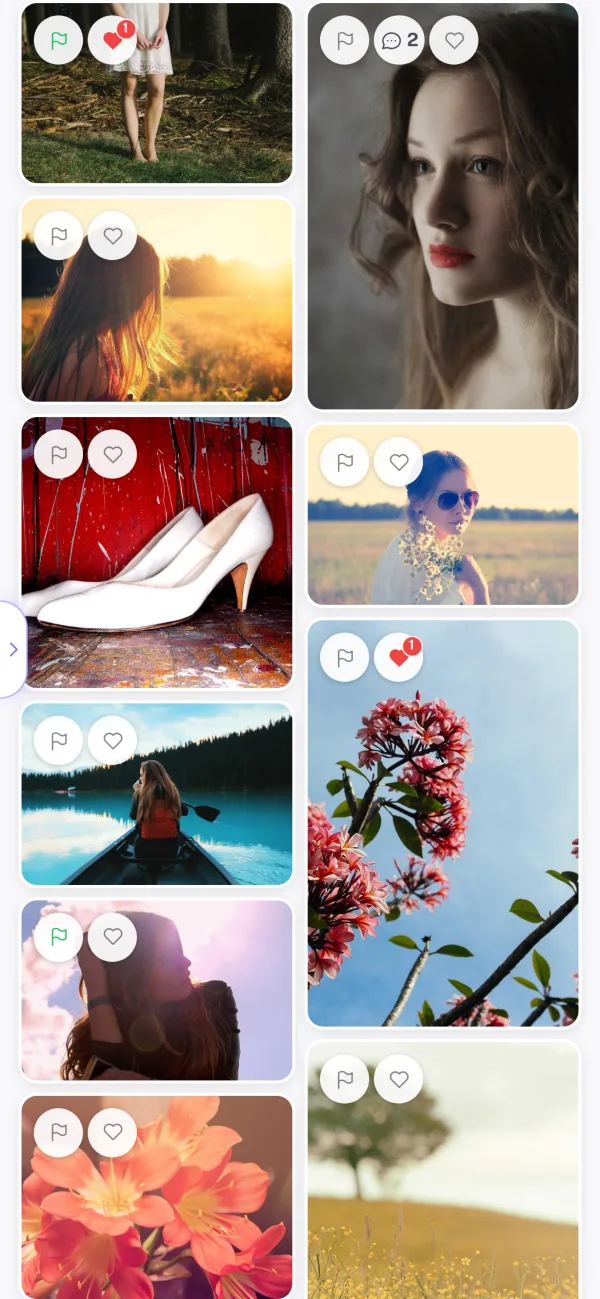
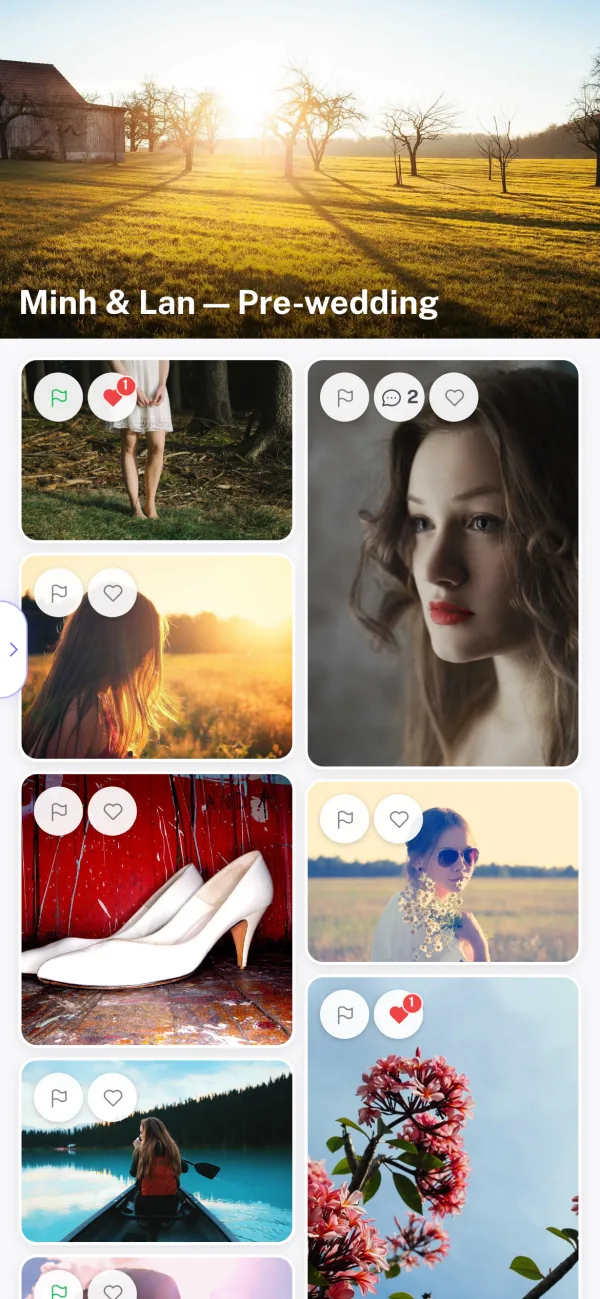
A quick start for new users: create an album, upload, split into collections, choose client tools, secure the album, share the link, follow feedback and export picks.
Version history: replace edited photos without losing the old ones
How version history works in Wedify: replace a photo with a new edit, keep up to 10 earlier versions, view and restore in one step, and keep comments in place.
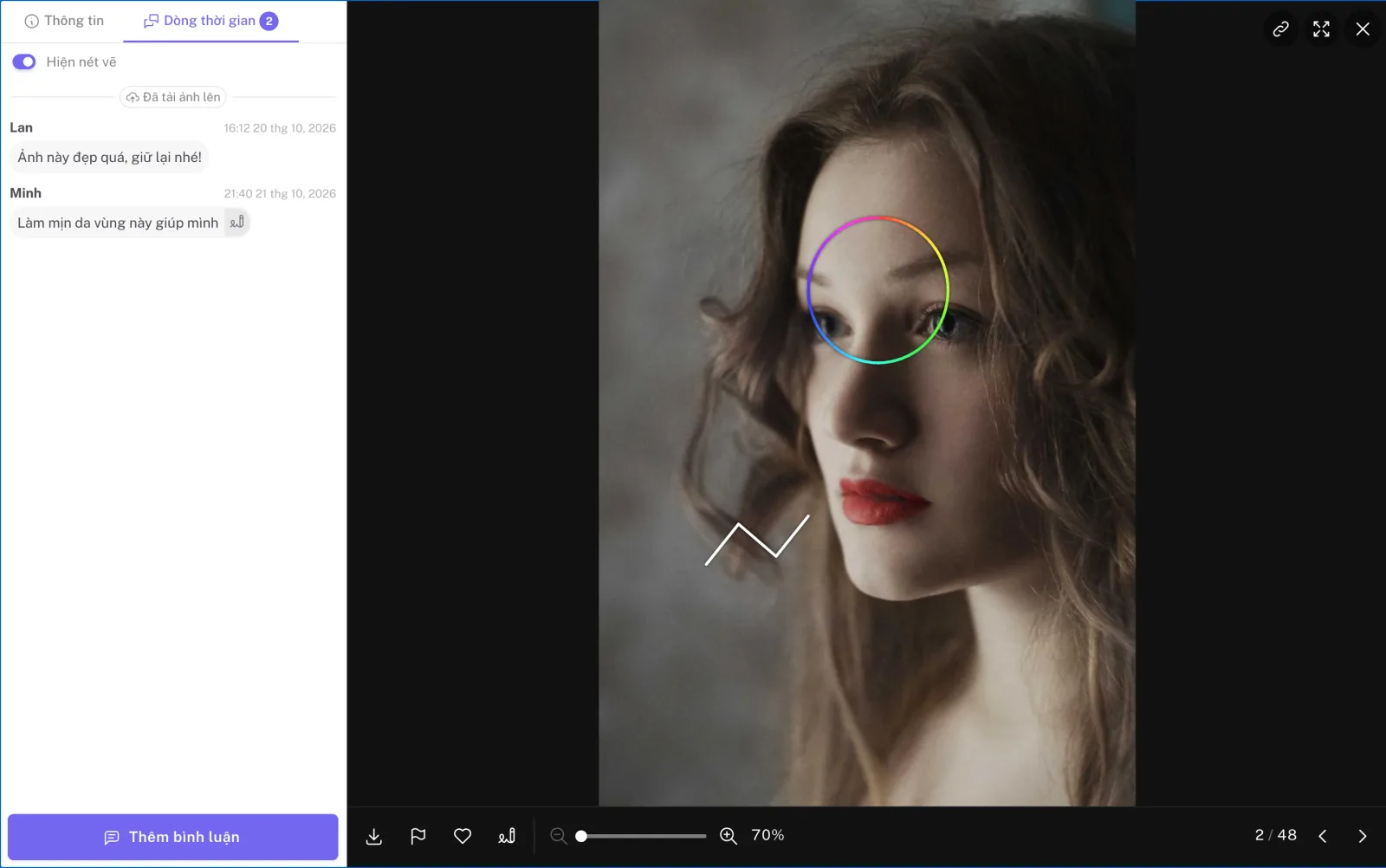
Scribbles: precise feedback right on the photo
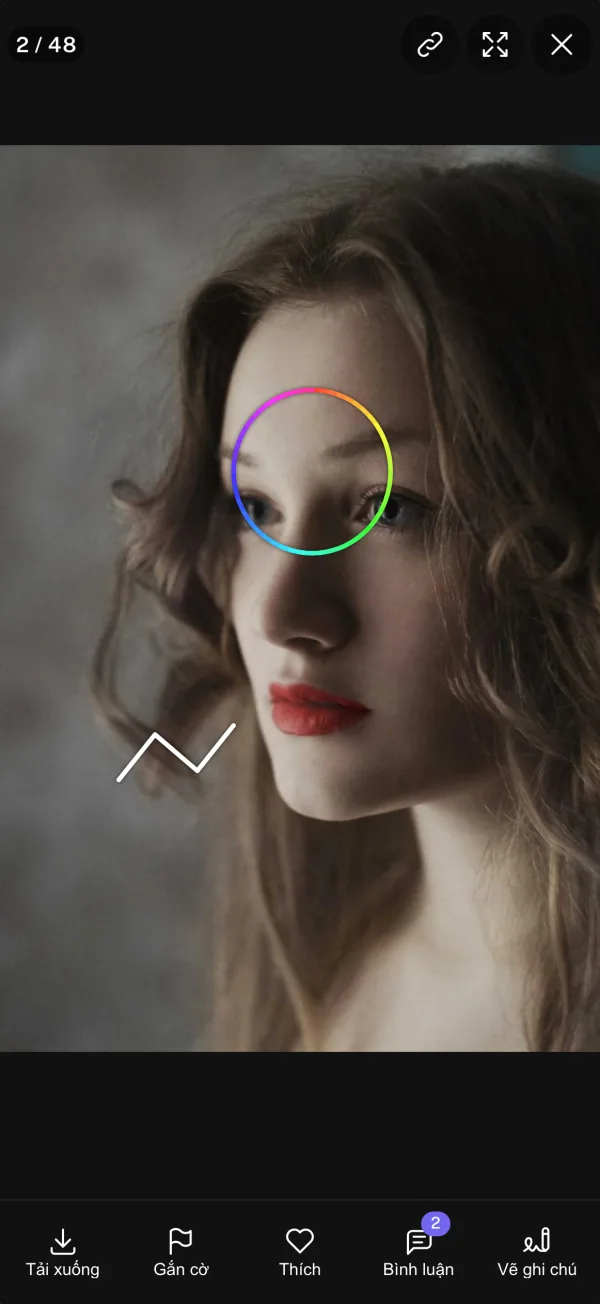
How clients draw notes on photos in Wedify: stroke types, colors, notes that stay in place when zooming, real-time updates and how to turn the feature on.
Wedify speaks five languages: Vietnamese, English, Japanese, Korean and Chinese
Wedify supports Vietnamese, English, Japanese, Korean and Chinese. Each team member picks their own language, and the client page follows the browser language.
Starting a wedding photography business: the first steps
From gear and paperwork to your first clients: a realistic roadmap for photographers new to weddings.
Writing a business plan for your wedding studio
Goals, client segment, costs and expected revenue: a lean plan you will actually use.
When to raise your prices, and how to do it well
The signs it is time to raise your prices, and how to tell clients without losing goodwill.
Handling clients who ask for a discount
Holding your price without losing the client: polite answers and alternatives to discounting.
Finding your first wedding clients without a portfolio
Friends, vendor partnerships and second shooting: practical ways to land your first weddings.
Communicating with wedding clients: clear, never pushy
When, where and what to say so clients feel reassured from signing to delivery.
Time management in wedding season
Back-to-back weddings, piles of editing and endless messages: how to stay on top of peak season.
Working well with a second shooter
Roles, a shared style, file handover and pay: what to agree on before the wedding.
Outsourcing wedding photo editing: what to watch for
Choosing an editor, sharing presets, and controlling quality and deadlines when you outsource.
Protecting your wedding studio from common risks
Gear failure, data loss, cancellations: how to prevent them and plan for the worst.
Making the most of the wedding off-season
Update your portfolio, learn new skills, run family and anniversary sessions: turn quiet months into an advantage.
Avoiding burnout as a wedding photographer
Cap your bookings, automate repetitive work and protect your own time to last in this career.
What a wedding photography website needs
Home, portfolio, pricing, about and contact: a structure that builds trust and brings inquiries.
Writing an about page that makes couples want to meet you
Tell them who you are, how you work and what you believe in, rather than listing gear and awards.
Google Business Profile for wedding studios, step by step
Set it up, choose photos, write a description and manage reviews to show up in local searches.
Building a network of wedding vendors
Venues, planners, makeup artists, bridal shops: how to start and keep relationships that bring clients for years.
How to ask wedding clients for reviews
The right moment, what to say and where reviews should live so future couples trust you.
Preparing for a wedding fair
Your stand, sample albums, offers and following up afterwards to turn visits into bookings.
Behind-the-scenes videos for wedding photographers
What to film, how to edit and where to post so short videos show how you work.
Setting up a referral program
Meaningful rewards, how to present the program and how to track it so past clients bring new ones.
Culling wedding photos faster without missing the best
Multi-pass culling, shortcuts and clear criteria to save hours after every wedding.
A Lightroom workflow for weddings
Import, keywords, synced edits and export: a tidy workflow from memory card to delivery.
Consistent color across several cameras
White balance, camera profiles and shared presets so your photos and your second shooter’s match.
How long should wedding photo delivery take?
Estimating delivery time, setting expectations with clients and keeping your promise in peak season.
Designing printed wedding albums that tell a story
Choosing photos, laying out spreads, using white space and working with the printer.
Sending sneak peeks after the wedding
How many, when and how to send them so couples are delighted and happy to wait for the full set.
Organizing work in a wedding studio
Who shoots, who edits, who looks after clients: dividing work and tracking progress as a team.
Natural posing prompts for couples
Prompts and small activities that help couples forget the camera and share real moments.
Photographing wedding details
Rings, invitations, the dress, flowers and meaningful keepsakes: styling and light for detail shots.
Shooting wedding receptions in low light
Camera settings, off-camera flash and available light for warm, sharp reception photos.
Engagement shoot ideas that feel like the couple
Locations, outfits and a personal story so the engagement session looks like no one else’s.
Wedding family portraits, quick and beautiful
Groupings, arranging people, light and coordination so family photos don’t take an hour.
Rainy-day weddings: turning bad weather into great photos
Preparing gear, finding indoor spots and using the rain for photos that stand out.
A wedding photography gear checklist
Cameras, lenses, lights, cards and the small items that save the day: check before every wedding.
Organizing albums with collections in Wedify
Create, rename and filter by collections, plus the Collections page for every set in your studio.
Exporting picks to Lightroom, step by step
From the client’s picks to a filter in Lightroom Classic, Capture One, Finder or File Explorer.
Securing albums: passwords, expiry dates and signing out guests
The security options for each album and when to use each one.
Letting clients upload reference photos
Turn on client uploads and keep every wedding reference in one place.
Team roles in Wedify
Manager, photographer, makeup artist and accountant: what each role sees and can do.
Restoring deleted photos and albums
The trash keeps deleted photos and albums for 14 days: how to find and restore them in one step.











Start free today
- All features
- 14-day trial
- No hidden costs
- Trial ends automatically
- No credit card required
Questions? We’re happy to help at support@wedify.art.